Downloads

Our Cyber Security Toolkit is designed to help you protect your businss against the most common forms of cyber attack. If you need more help, don’t hesitate to contact us to arrange a free consultation. 

Request a callback

Looking to secure your IT systems from the risk of a cyber threat? Fill out the form to request a callback from one of our IT security specialists.

Welcome to our Cyber Security Toolkit – here you will find a selection of free resources including guides, sample policies, infographics and more. All of the resources in the toolkit have been designed by our team to help empower businesses to protect themselves against the most common types of cyber attack. Scroll down to view our full suite of resources and be sure to check back as we are always adding more. 

Free Resources to Protect Your Business Against Cyber Threats

Password Management Tool PDF Brochure
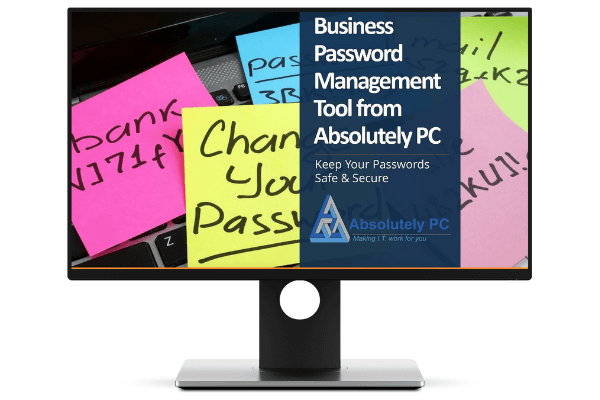
Guide to Cyber Essentials
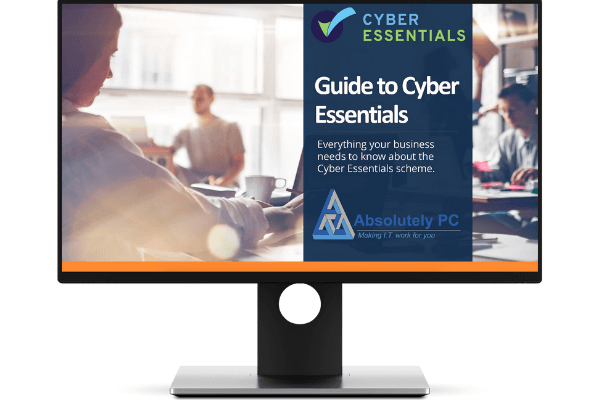
Small Business Guide to Cyber Security
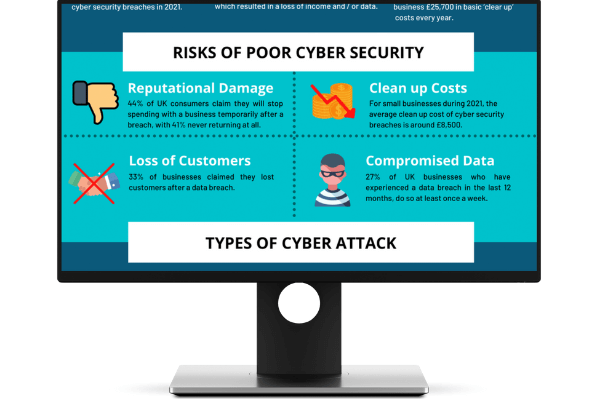
Cyber Security Infographic
Password Checklist
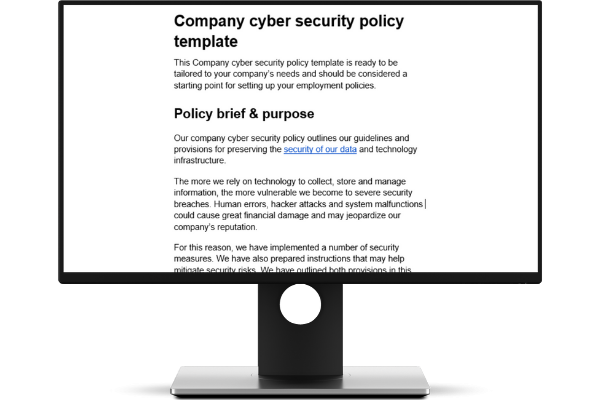
Security Policy
APPROACH

How We Work With You

NEWS

Read Our Latest
Cyber Security News
LastPass Security Breach

LastPass Security Breach

LastPass is a password management utility and application allowing companies and people to store their passwords. After a recent breach there are some serious security issues that need attention. This article looks at what these issues are and how to re-secure your passwords.
read more

TESTIMONIALS

What People Are Saying

Absolutely PC support business computers and the networks they use. John and his team do a great job and I have no hesitation in recommending them. Advice is freely given if they are unable to help. There real speciality is PC’s but, if like me, you have a problem with a tablet useful advice will be given.

Gerard Harris

Harry has always been so quick and efficient at sorting out my computer problems. Friendly and helpful company.

Rachel Coles

Very quick response : ) always friendly and happy to help.

Victoria Hawksfield

Harry was spot on – dealt with my issue with speed, clarity and success. Thank you – just what was needed….

Rob Carter

We're Here To Help!

Fill in the form, send us an enquiry today

Business Cyber Safety Check

Question AreaYour Answer
Firewall Protection
Do all your computers and servers have firewall protection turned on?
Firewall Rules Kept Tight
Do you regularly review what is allowed through your firewall (and remove anything you don’t need)?
Confidence in Security
Do you feel confident your business is protected from common cyber threats?
Staff Training
Has anyone in your company had cyber security training recently?
Reporting Suspicious Emails
Do your staff know what to do if they receive a suspicious email?
Strong, Unique Passwords
Do your staff use strong, unique passwords for work accounts?
Default Passwords Changed
Have default passwords been changed on your internet router, Wi‑Fi, devices, and any key systems?
Extra Login Protection (MFA)
Do you use an extra security step when logging in (like a code on your phone)?
Admin Accounts Kept Separate
Do you keep admin (high power) accounts separate from everyday user accounts?
Starting/Leaving Access Process
Do you have a process for removing access when someone leaves the company?
Access Limited to What’s Needed
Do people only have access to the data and systems they actually need for their job?
No Shared Logins
Are shared accounts used across the business (one login used by multiple people)?
Automatic Updates
Are all your computers and devices kept up to date automatically?
Important Updates Applied Quickly
When important security updates are released, are they applied quickly (within a couple of weeks)?
Supported Systems Only
Are all your computers and servers on supported versions (not old/out of support)?
Apps Kept Up to Date
Are your main apps updated regularly (and old software removed)?
Control Over Installing Software
Are staff allowed to install their own apps or software?
Security Software Installed
Do you have antivirus or security software on all work devices (including servers)?
Security Being Watched
Do you know if your antivirus is actively monitored, or is it just installed?
Real-Time Protection On
Is your antivirus protection always on (and not easy for users to turn off)?
Security Updates Automatic
Is your security software kept up to date automatically?
Coverage for Remote Devices
Are devices used at home or remotely covered by the same protection?
Scams Being Reported
Have you had any suspicious emails or scams reported lately?
Spotting Scam Emails
Do staff know how to spot a scam or phishing email?
If Someone Clicks a Bad Link
Do staff have a process to follow if they accidentally click on a suspicious link?
Where Important Data Lives
Is your important business data stored securely?
Backups in Place
Is your data regularly backed up?
Backups Can Be Restored
Do you know how quickly you could recover your data if something went wrong?
Remote Working
Do staff work from home or on the move?
Personal Devices Used for Work
Are personal devices used for work (email, files, systems)?
Remote Access Protected
Are remote devices and remote access secured?
Plan for When Things Go Wrong
Do you have a plan if something goes wrong (like a hacked account or ransomware)?
Incident Response Plan
Do you have an incident response plan in place should you have a cyber incident?
Plan Has Been Tested
Have you ever tested your response plan (even as a simple discussion)?
External Access to Systems
Do any external companies have access to your systems or data?
Checking Suppliers’ Security
Do you check a supplier’s security before giving them access?
Security Standards Goal
Are you aiming to meet any standards like Cyber Essentials or ISO 27001?

Office

Unit 1, Grove Industrial Estate, Gloucester Rd, Patchway, Bristol BS34 5BB

Opening Hours

Mon - Fri - 8am - 5.30pm
Sat/Sun - Closed

Call Us

0117 9759 523

[smls id=”444″]